01 · POS & cashier
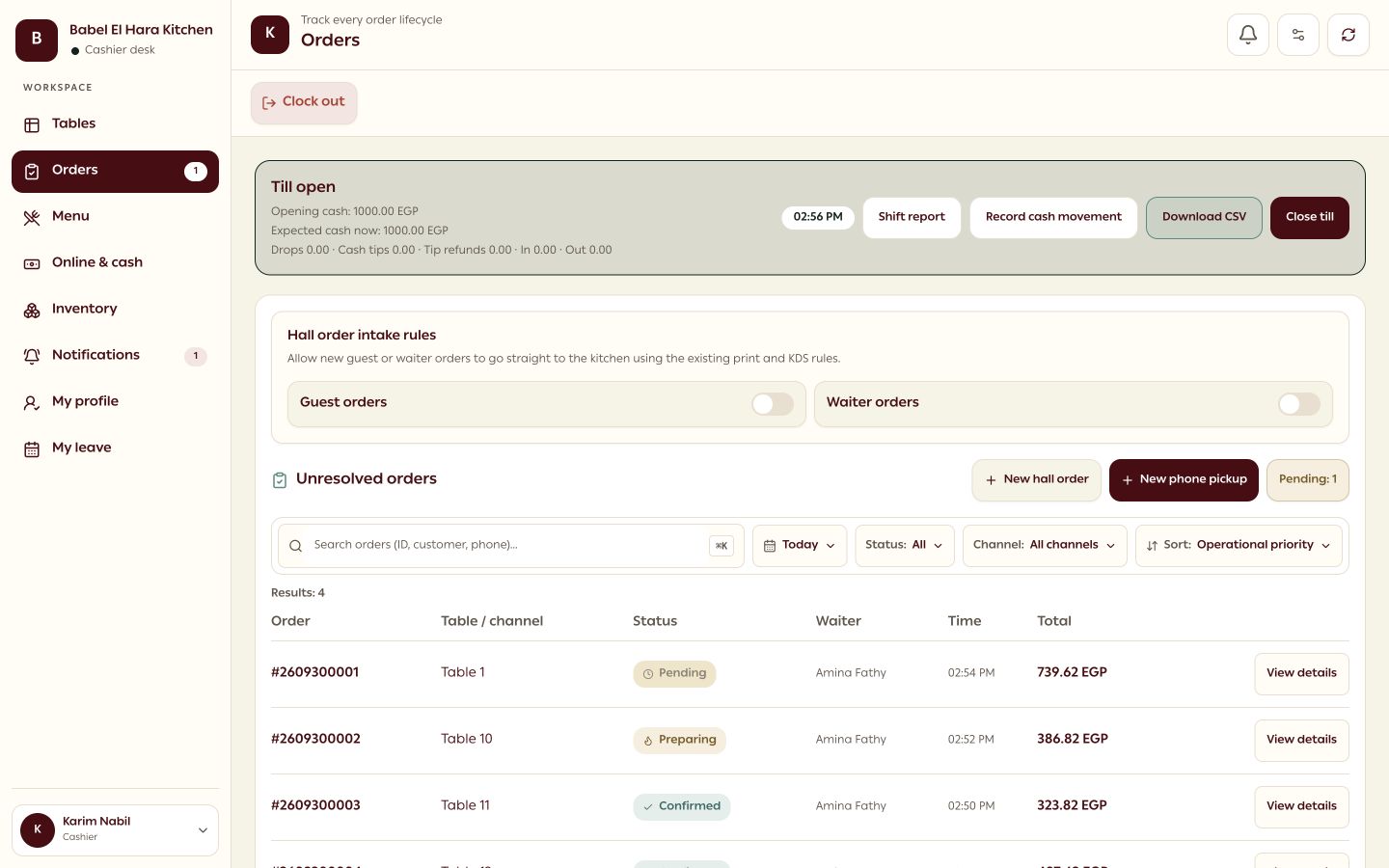
The cashier keeps every order under control.
Review new orders, see the table and service context, then confirm the kitchen work from one operational view.
Product preview
POS & cashier

RestuHub connects bilingual table QR ordering with public pickup or delivery. Cashiers, waiters, kitchen teams, and pickup staff share one protected order and payment history.
Built around the way a real restaurant shift moves—not a generic online menu.
Connected restaurant workspace

Real interface · demo restaurant data
Where time gets lost
RestuHub keeps each role focused while every update lands on the same live order, table, and payment history.
They scan the table QR, choose Arabic or English, order, call a waiter, and request the bill.
The cashier confirms the order, then routed original or add-on tickets enter the kitchen print queue.
Waiter assignments, service calls, table status, and checkout requests stay visible to operations.
Server-calculated totals, payment rows, status history, and table release are persisted together.
The operating loop
Every step below is implemented in the current product and backed by the same live database.
01 · Guest
The table QR opens its bilingual menu. The guest chooses items and modifiers, then submits a server-priced order.
02 · Cashier
The order appears as Needs review. Confirmation creates controlled kitchen work and starts its status history.
03 · Floor + kitchen
Waiter ownership, service calls, table state, kitchen routing, retries, and add-on tickets remain traceable.
04 · Close
Cash, card, or split collection persists against the order. Exact final payment closes it and safely releases the table.
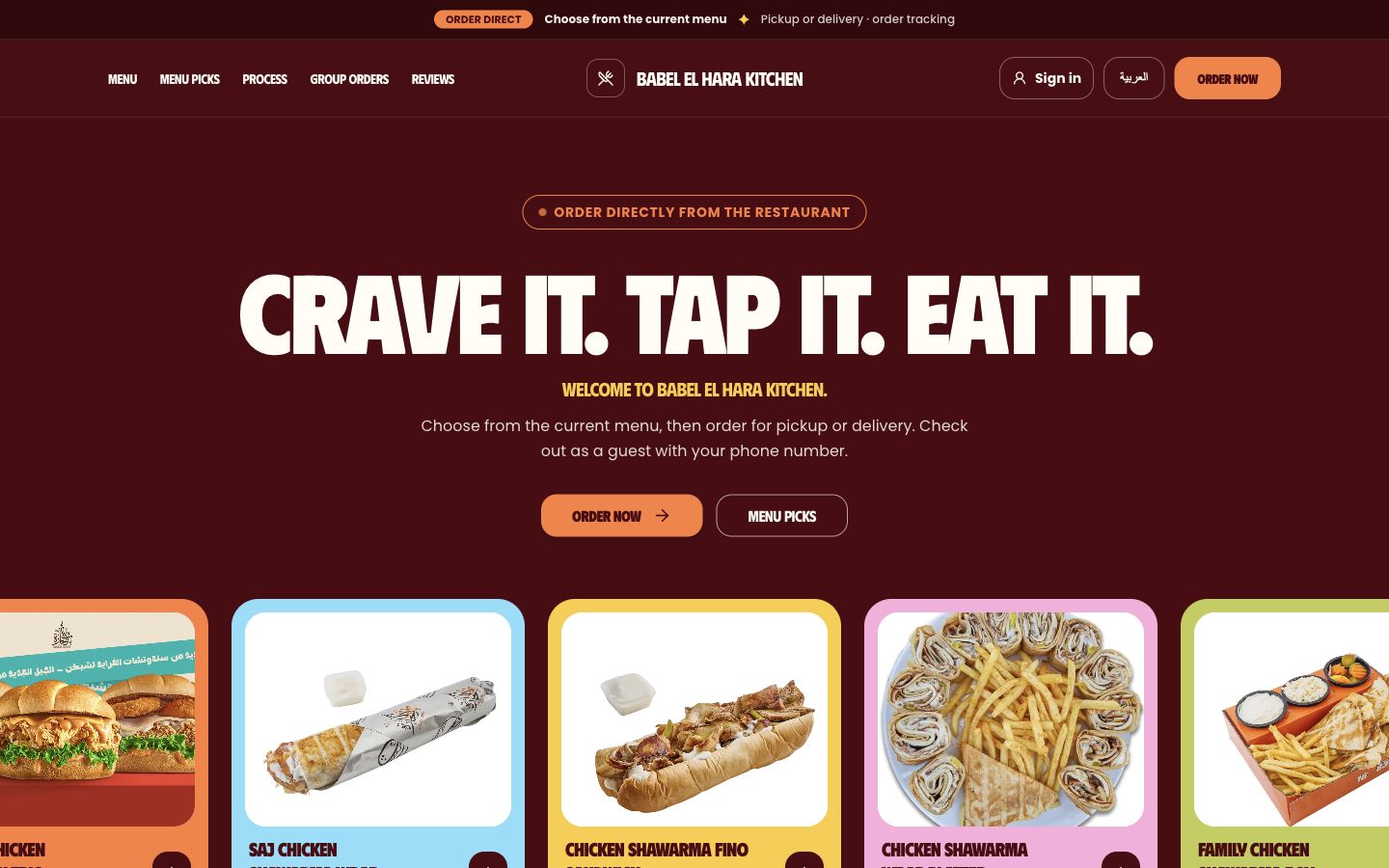
A live menu, pickup or delivery, guest checkout, and order updates—all under the restaurant’s own brand.
Explore the guest experience
One order, connected work
Guests order at a table or online. The cashier reviews it, the kitchen prepares it, and the floor or dispatch team completes the handoff.
Scroll to follow the order. Jump to any chapter below.
01 · POS & cashier
Review new orders, see the table and service context, then confirm the kitchen work from one operational view.
Product preview

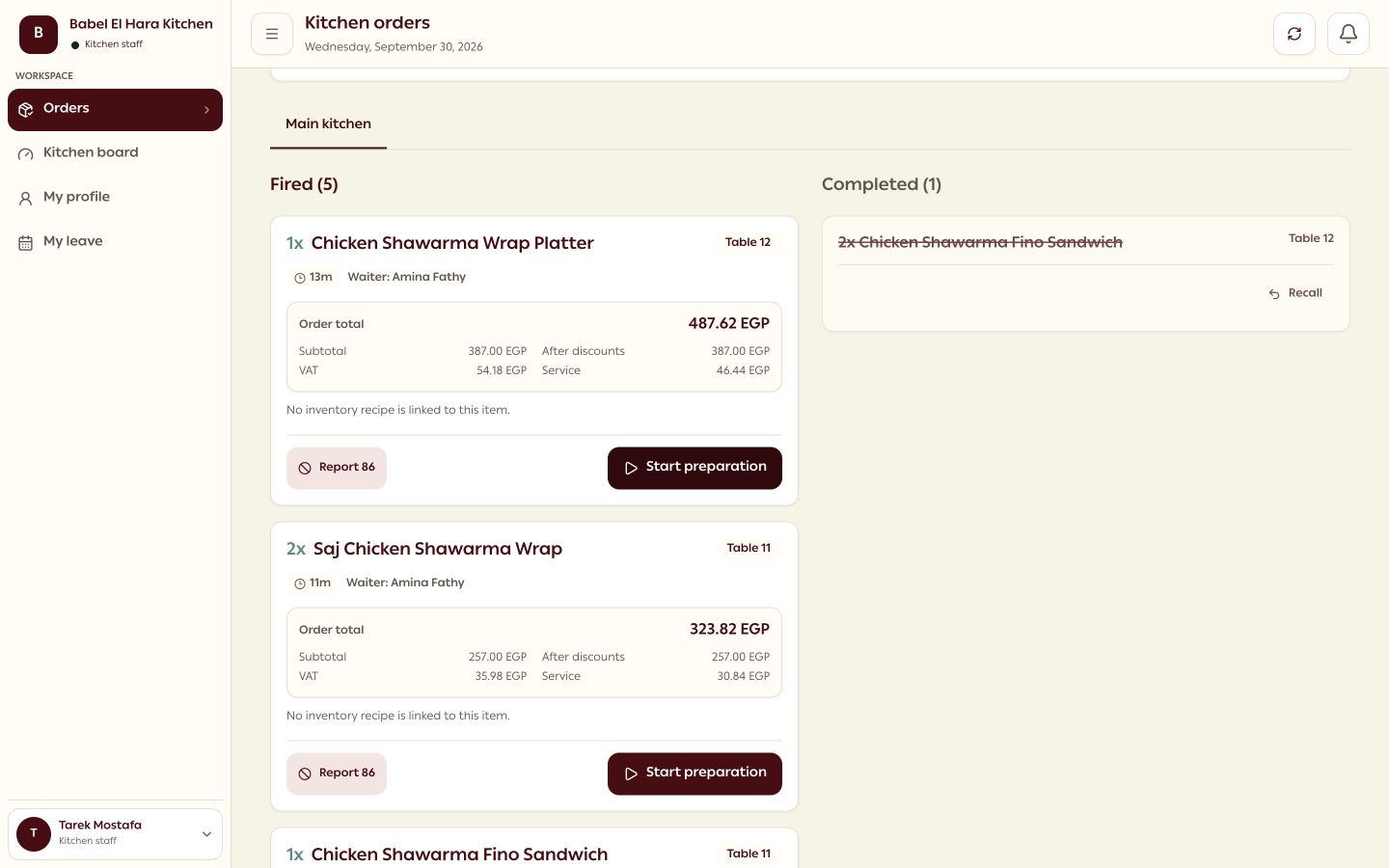
02 · Kitchen display
Confirmed tickets are routed to kitchen work with order context, preparation state, and clear next actions.
Product preview

03 · Dine-in QR
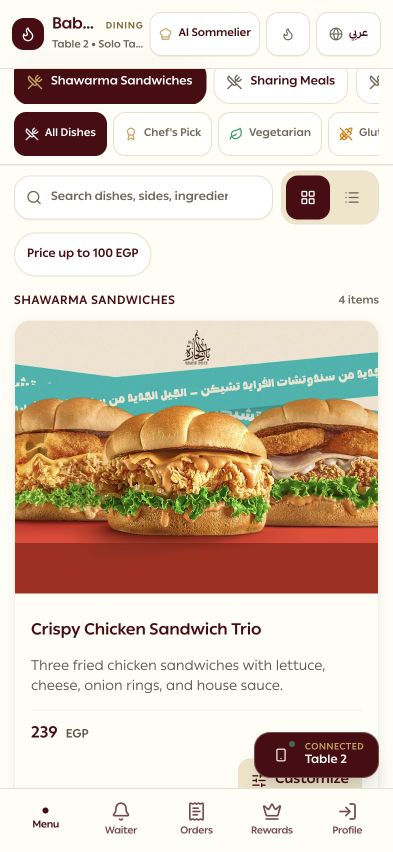
A bilingual menu keeps table context with item choices, modifiers, waiter calls, and the guest’s order status.
Product preview

04 · Online storefront
One restaurant menu supports category browsing, configurable items, checkout, and a private tracking link.
Product preview

Cash on delivery · pay at restaurant · card checkout when enabled
Clear responsibilities
No staff account. A table QR and protected order session keep the guest inside their own visit.
Plans are billed annually in EGP. Prices exclude VAT; onboarding and printer hardware are separate where shown.
Use the monthly marketplace sales you believe could move to direct ordering and the commission rate you currently pay.
Enter your sales and commission rate to see a directional estimate.
Illustrative estimate based only on your inputs. It assumes these orders shift to direct ordering and does not subtract card processing, VAT, onboarding, or hardware. Plans are still billed annually.
Small cafés and kiosks · up to 15 tables
Full-service restaurants · unlimited tables
Restaurants adding controlled kitchen printing
Restaurants adding public pickup and delivery
Premium and Storefront include the printing entitlement, but printer hardware is optional and quoted separately. The active cost model estimates 10,000–15,000 EGP for a typical single-station kit.
The current release securely scopes one restaurant per account. Consolidated cross-branch reporting and group management are not implemented, so they are intentionally excluded from these plans.
Built around the way a real restaurant shift moves—not a generic online menu.
Open product
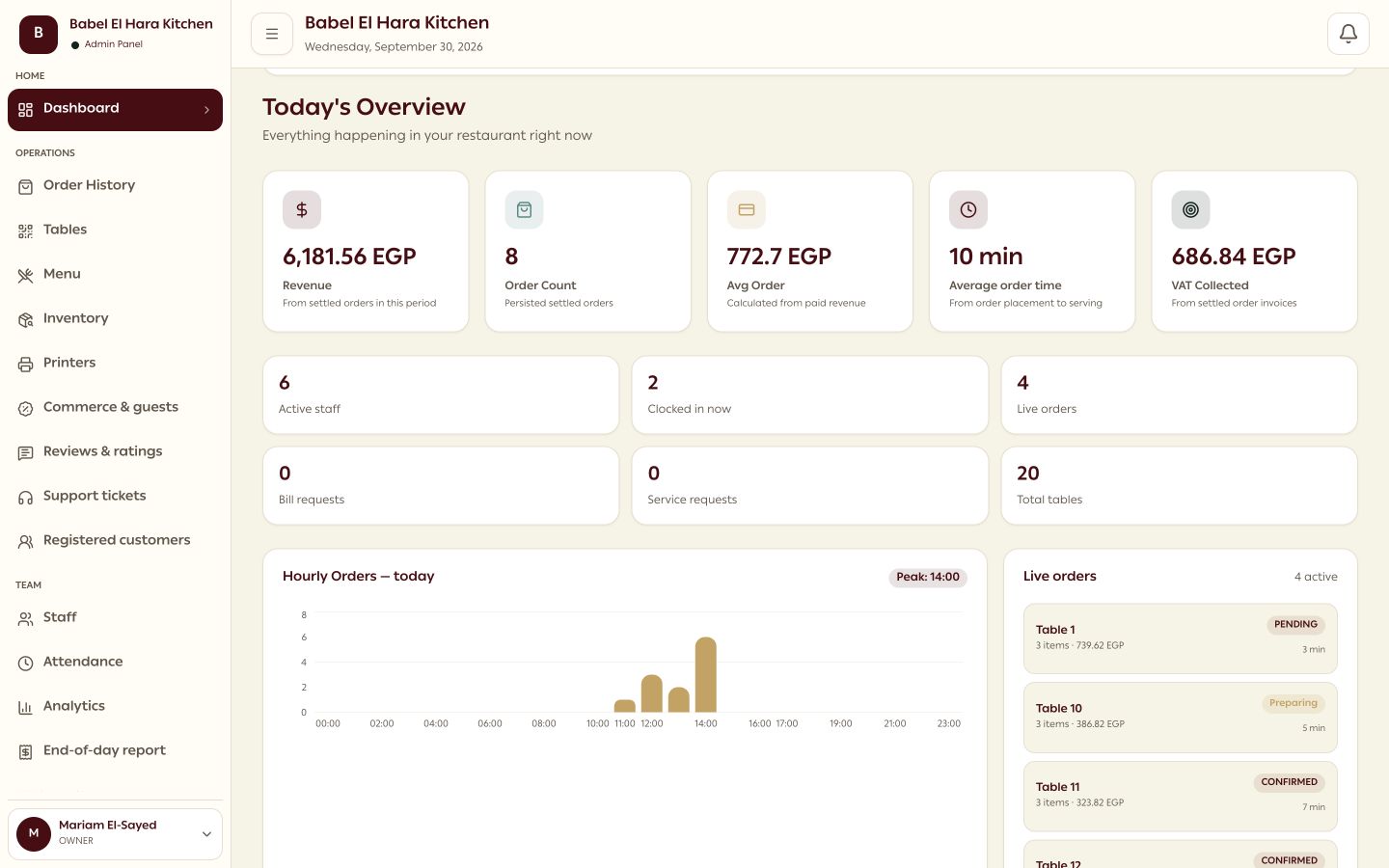
Open the product entry to review the table Guest, Storefront customer, Waiter, Cashier, Pickup Man, Admin, and authenticated Kitchen surfaces available in this build.